
1. Mount your phone
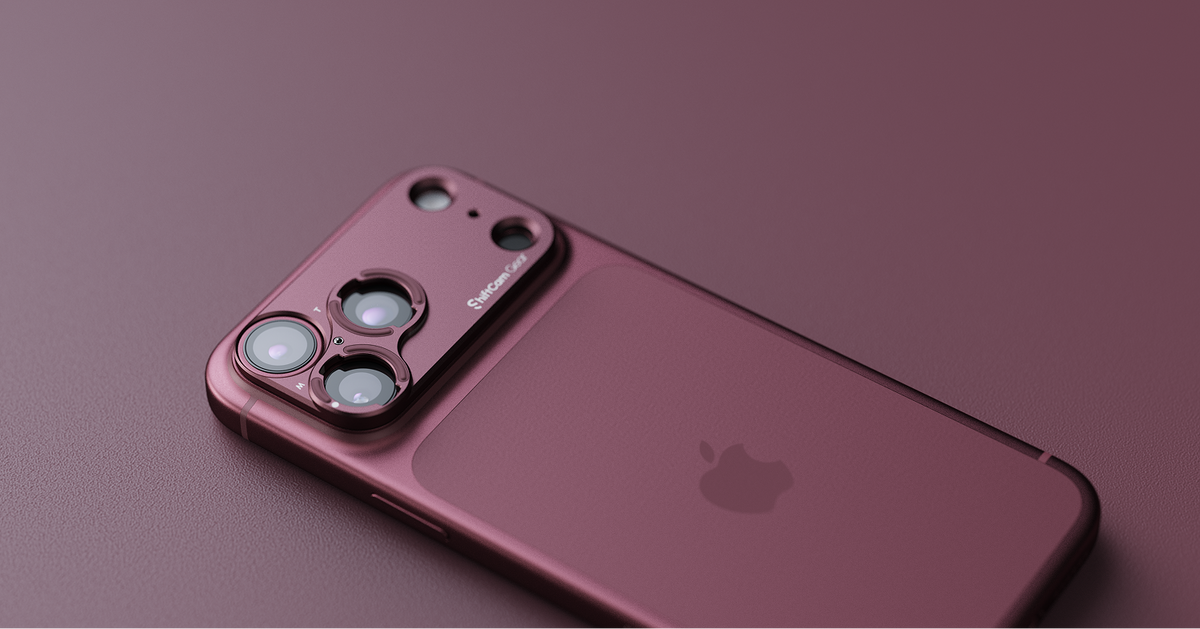
Use a compatible ShiftCam S.Mount Camera Case or Universal S.Mount. If you’re using the Universal S.Mount, align the mount with your phone’s telephoto camera and secure it firmly.

2. Attach the lens
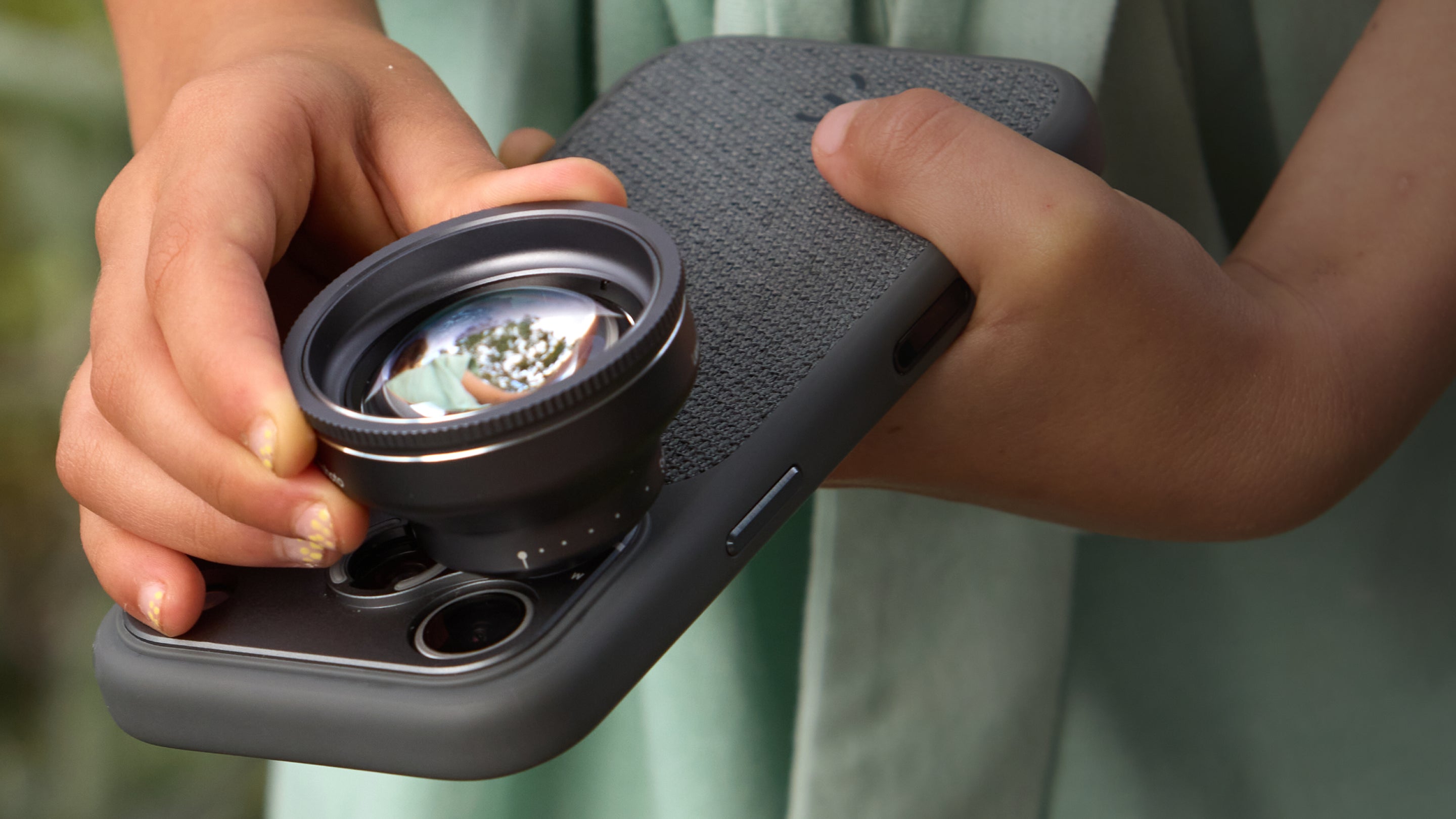
Align the X.Series 2x lens with the mount over the telephoto lens on the phone, then rotate it 90° clockwise to lock it securely.

3. Open camera app and select the telephoto lens
Open the ShiftCam One app (iOS) or third-party camera apps (Android) and select your phone’s telephoto camera. On ShiftCam One app, select the X.Series 2.0x lens. On third-party camera apps, look for Tele, T, or your phone’s telephoto zoom level, such as 4x or 5x. We recommend apps such as Blackmagic Camera, Lightroom, Halide or ProCamera to prevent automatic lens switching.
4. Start shooting
Check that the image is clear and unobstructed, then adjust your distance and focus to capture your shot. X.Series 2.0x SuperZoom Tele has a minimum focus distance of 5 meters (~16’ 5”).
How do I use the Macro Converter or filters?
Attach the Macro Converter or compatible filter to the front of your X.Series 2.0x SuperZoom Tele by screwing it in clockwise. The CPL and VND filters give you greater control over reflections, exposure and motion, while the Macro Converter allows you to focus on smaller subjects from farther away.
Mounted on the 2.0x SuperZoom Tele, you’d be able to shoot macro photos with the following working distances:
- 1x Macro Converter: ~0.5m
- 2x Macro Converter: ~0.25m
- 3x Macro Converter: ~0.13m
- 4x Macro Converter: ~0.1m
Share:
V.Series 60mm Telephoto: Getting Started
X.Series 3.5x SuperZoom Tele: Getting Started