
The title for the section if any
asdfasdfasdfasdf
1. Choose Your Mount
Camera Case: Compatible with supported iPhone, Samsung and Google Pixel models. Insert your phone securely into the case. Universal S.Mount: For other compatible smartphones, attach the mount and position it over your phone’s telephoto camera.
2. Align the Mount
If using the Universal S.Mount, slide it onto your phone and align the opening with the telephoto camera. Use the alignment markings to center the camera, then tighten the knob until the mount is secure. If using a Camera Case, make sure your phone is seated securely and the camera opening is correctly aligned.
3. Attach the 240mm Lens
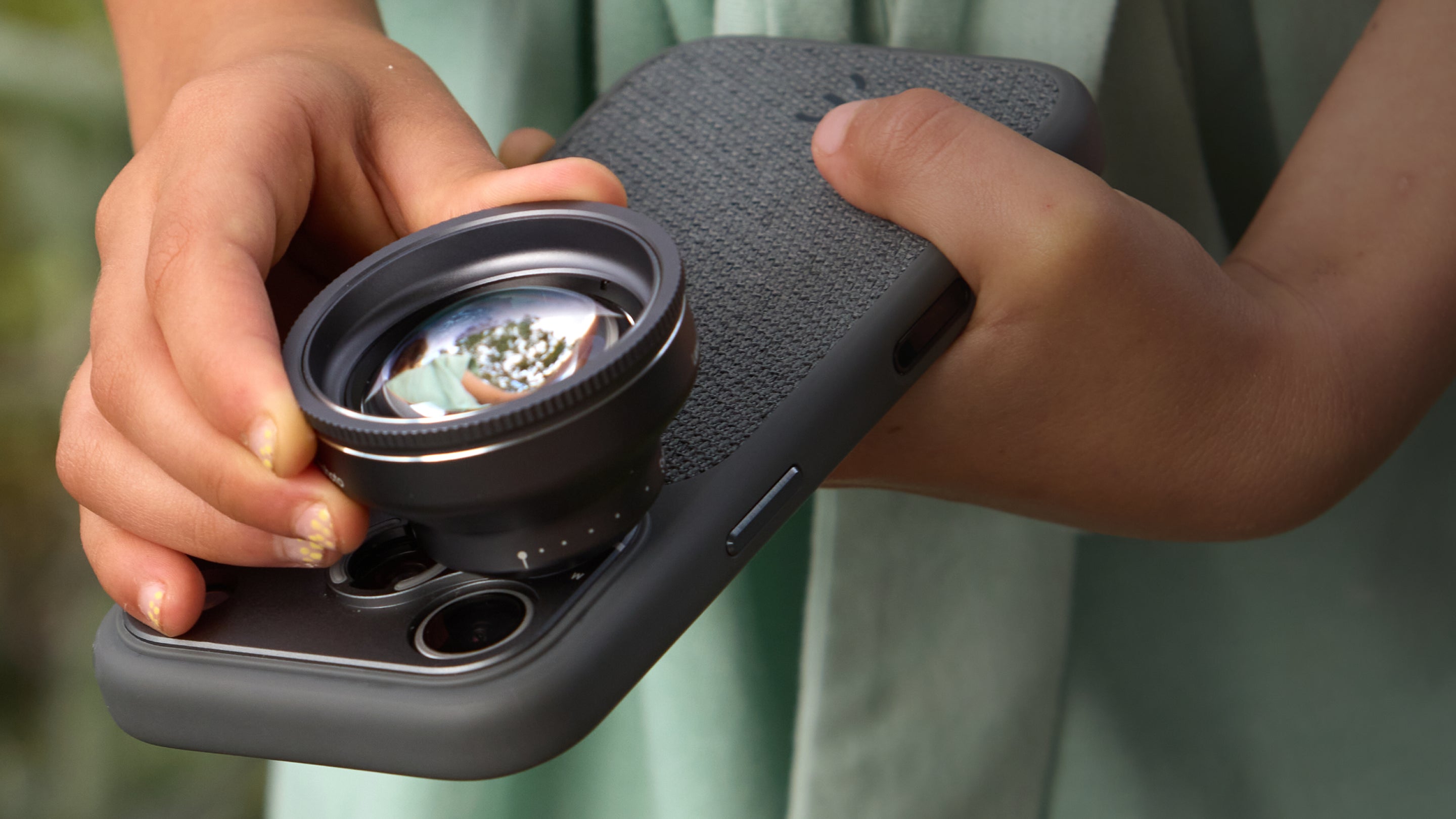
Align the 240mm Super Zoom Tele with the mount. Insert the lens into the mount and rotate it 90° clockwise until securely attached. Avoid applying excessive force.
4. Open a Camera App
Open a camera app that allows you to manually select and lock the phone’s camera. We recommend using a third-party app such as Project Indigo, Halide or Adobe Lightroom to prevent the phone from automatically switching cameras.
5. Select the Telephoto Camera
In your camera app, select your phone’s telephoto camera. Depending on the app and phone, this may appear as Tele, Telephoto, T, 3×, 4×, 5× or another telephoto zoom value. Make sure the camera remains locked to the telephoto camera while shooting.
6. Check Your Shooting Distance
The 240mm Super Zoom Tele has a minimum focus distance of 5 m / 16.4 ft. Keep your subject at least this distance away for the lens to focus correctly, then you're ready to capture photos and videos.
asdfasdf
Share:
P.Series 60mm Telephoto: Getting Started