
TLDR;
At a glance: Lower exposure • Stabilize • Choose wide vs tele • Try slow-mo • Grip for comfort • Night Mode/flash off • Light your selfies
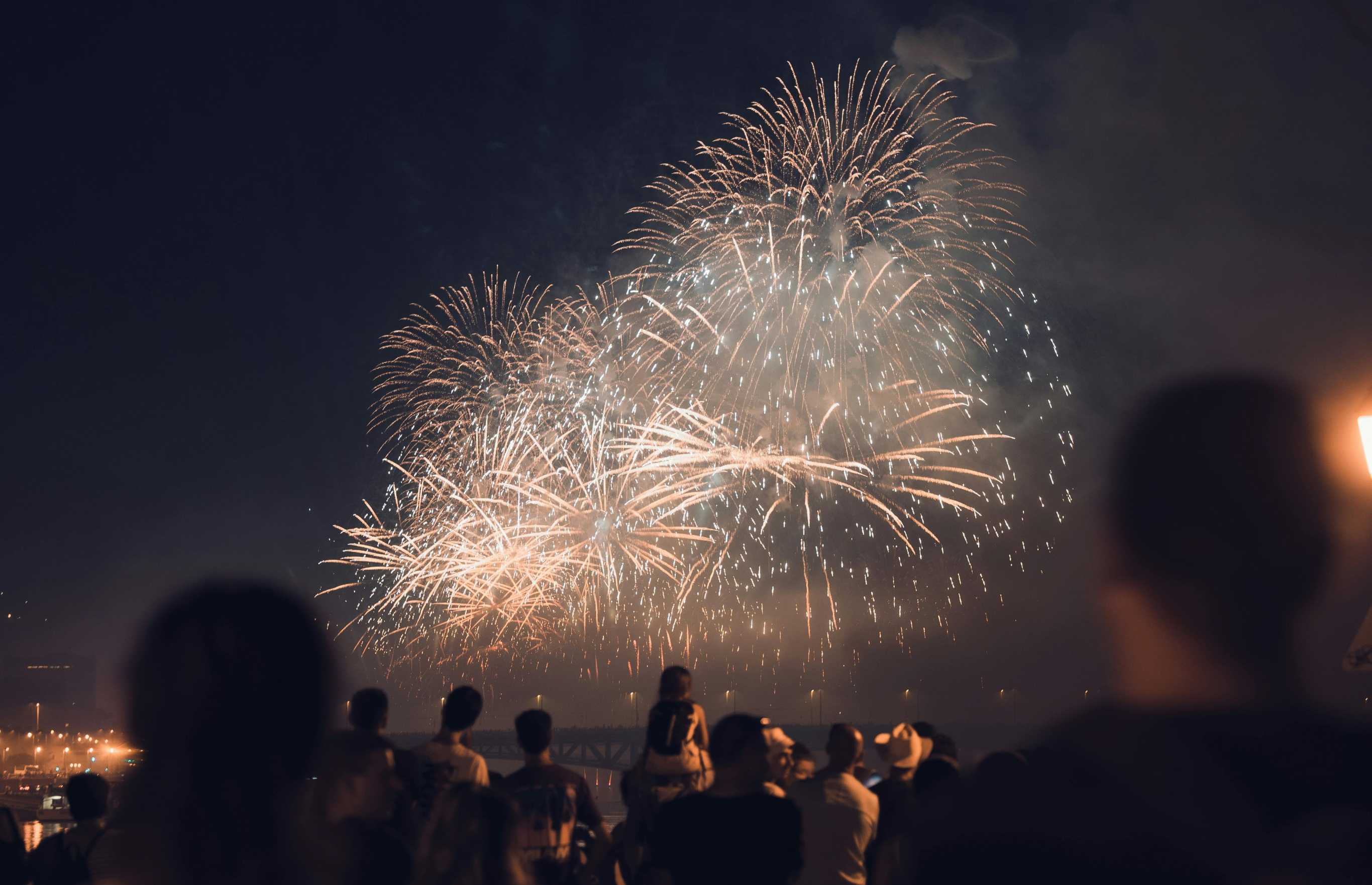
Capture fireworks the way they felt: crisp trails, rich color, and clean silhouettes—without blown highlights. These 7 tips show you the exact settings, framing, and stability moves to get the shot on any phone.
The countdown hits zero. The sky opens up.
And for a few seconds, everything is light.
Fireworks are one of the hardest (and most rewarding) moments to capture on a phone—bright highlights, dark skies, and movement everywhere.
New Year’s Eve fireworks are one of the most breathtaking events to photograph. Those vibrant bursts of color lighting up the night sky create memorable moments you’ll want to capture forever.
But snapping amazing fireworks photography with your iPhone or other smartphones can be tricky—especially in low-light conditions. Below are seven essential tips to help you master mobile photography of fireworks. Plus, discover how ShiftCam products can take your shots from ordinary to outstanding.
Tip #1 - Manually Lower Exposure
In auto mode, your phone may overcompensate for the dark sky, brightening the image too much and washing out those beautiful bursts of light. Manually lowering the exposure helps fireworks pop against the contrast of the night.
How To Do It
- Tap on the sky in your camera’s viewfinder to set focus on the dark background.
- Use the exposure slider to slightly reduce brightness, ensuring the fireworks remain sharp and vibrant.
Practicing with manual exposure is an excellent way to refine your iPhone photography skills, especially in low-light conditions. By carefully adjusting the brightness, you can capture the true essence of fireworks photography—bold colors, dramatic contrast, and crisp outlines of the exploding fireworks.
Tip #2 - Stabilize Your Phone for Sharper Shots
Fireworks happen fast, and any camera shake can lead to blurry photos or unsteady video. A stable shot ensures you don’t miss a single burst of color.
How To Do It
- Use a compact tripod or a reliable mobile grip to anchor your phone.
- Frame your shot ahead of time so you’re prepared to tap the shutter as soon as the first firework goes off.
When you’re serious about fireworks photography, having a stable setup is crucial—especially if you’re aiming to capture long-exposure shots or continuous video. Keeping your device motionless also reduces strain on your wrists and arms, allowing you to focus on timing the perfect photo. By minimizing camera shake, you’ll produce crisp images that truly capture the beauty of New Year’s Eve fireworks.
Gear that Helps
Snap your smartphone onto our SnapStands magnetically, which secures your device and frees your hands for easy exposure adjustments.

SnapStand Max*
Full-size magnetic tripod + selfie stick. Packs down small.

SnapStand Selfie*
Mini arm-length portable magnetic selfie-stick + tripod.
Tip #3 - Use a Telephoto or Wide-Angle Lens
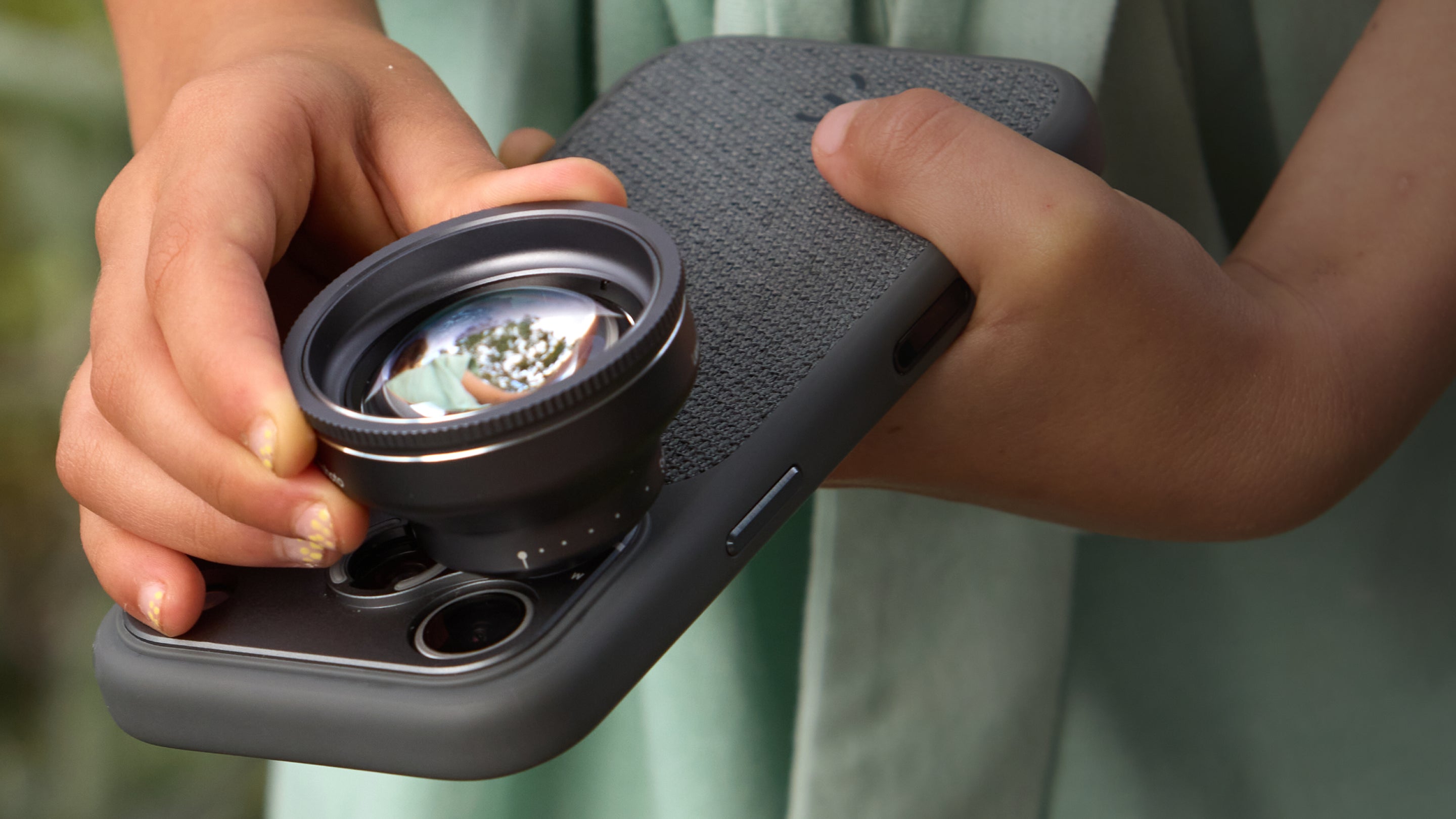
Your iPhone’s main 1x camera offers the highest image quality due to its superior sensor and optics, but it’s limited to one field of view. To zoom in on intricate firework details, attach a telephoto lens for crisp magnification, or switch to a wide-angle lens to capture the entire display and surrounding skyline.

How To Do It
- Start with 1× for the cleanest image, then choose your framing:
- Avoid digital zoom—move your framing optically (lens) or crop later.
- Pre-frame and leave breathing room so bursts don’t clip at the edges.
Switching between these lenses is a quick way to add variety to your New Year’s Eve fireworks gallery. Close-up shots convey the drama of each explosion, while wide angles illustrate the grandeur of the show and the collective excitement of the crowd. This dual approach makes for a more engaging and share-worthy photo reel.
Gear that Helps
Try the LensUltra 60mm Tele for jaw-dropping firework spark close-ups or the LensUltra 16mm Wide-Angle Lens for panoramic shots of multiple fireworks bursting simultaneously.

LensUltra Photography Kit
Precision. Framing. Focus.
Includes both 60mm Telephoto and 16mm Wide-Angle LensUltra Lenses + Carry Pouches.
A curated set of LensUltra lenses designed for mobile photographers. Includes telephoto and wide-angle options to shoot portraits, streets, and landscapes with clarity, depth, and control.
Learn MoreTip #4 - Capture Slow-Mo Video to Show the Action
Slow-motion video reveals each spark and trail, immortalizing the blossoming effect of fireworks in a captivating way. Slowing down the action adds a cinematic feel that will make your highlights reel stand out.
How To Do It
- Select the “Slow Motion” mode on your phone’s camera before hitting record.
- Press record just before a rocket launches, and keep rolling until it fully bursts into color.
- After recording, trim or edit your video to slow down the moment right before the firework explodes in the sky, ensuring maximum impact.
- If you have an iPhone 17 Pro or Pro Max, switch to 4K120 fps for more dramatic footage.
- Be sure to use a Portable Mobile SSD like PlanckGear SSDs for ProRes capture!
Incorporating slow-motion into your fireworks photography repertoire brings a fresh perspective to your mobile photography. By highlighting each firework’s trajectory and blossoming effect, your audience can appreciate every nuance of the display. This technique works especially well on social media, where short, dramatic slow-mo clips consistently draw high engagement.
Tip #5 - Use a Mobile Grip for Extended Shoots
Fireworks shows aren’t one shot—they’re a sequence. A proper grip makes your phone feel like a camera: steadier in the hand, easier on your wrists, and faster to react when the best burst appears.
You’ll pan smoother, tap more precisely, and stay comfortable through the whole finale.

How To Do It
- Attach a mobile grip that contours to your hand for a more natural hold.
- Pan slowly across the sky to capture each firework burst without introducing camera shake.

ProGrip*
Pro-grade, DSLR-style charging grip—built for steadier shooting.

SnapGrip Pro*
MagSafe Wireless Charging Mobile Grip for Travellers/Creators.
Tip #6 - Turn Off Night Mode & Flash
Night Mode and flash can overexpose or distort the vivid sparkles of fireworks. Since fireworks are already bright, any additional artificial light can wash out the colors and diminish the spectacle.
How To Do It
- Go into your camera settings and disable both Night Mode and flash before shooting.
- Let the fireworks’ natural glow light up the sky and your shot.
Remember, mobile photography is all about working with your environment. Fireworks provide their own dramatic light, so trust that brilliance to elevate your images.
Turning off the flash and Night Mode also gives you more control over exposure, ensuring the fireworks remain the focal point of your New Year’s Eve shots without any distracting glare.
Tip #7 - Light Yourself for Firework Selfies
While the fireworks fill the sky with brightness, they can leave you or your friends in the dark. A small, portable light helps balance exposure so that the background fireworks don’t overshadow you in the shot.

How To Do It
- Use a compact LED or ring light to softly illuminate your face.
- Adjust the brightness so that you’re clearly visible but not washed out, keeping the fireworks as the dramatic backdrop.

SnapPocket Light
Lightweight. Powerful. Portable.
Magnetic LED Ring Light designed for capturing the perfect smile
Illuminate your subjects with the SnapPocket Light. This ultra-portable, flippable LED light offers hands-free lighting to brighten up any setting, ensuring your content shines.
Learn MoreElevate Your Fireworks Photography with ShiftCam
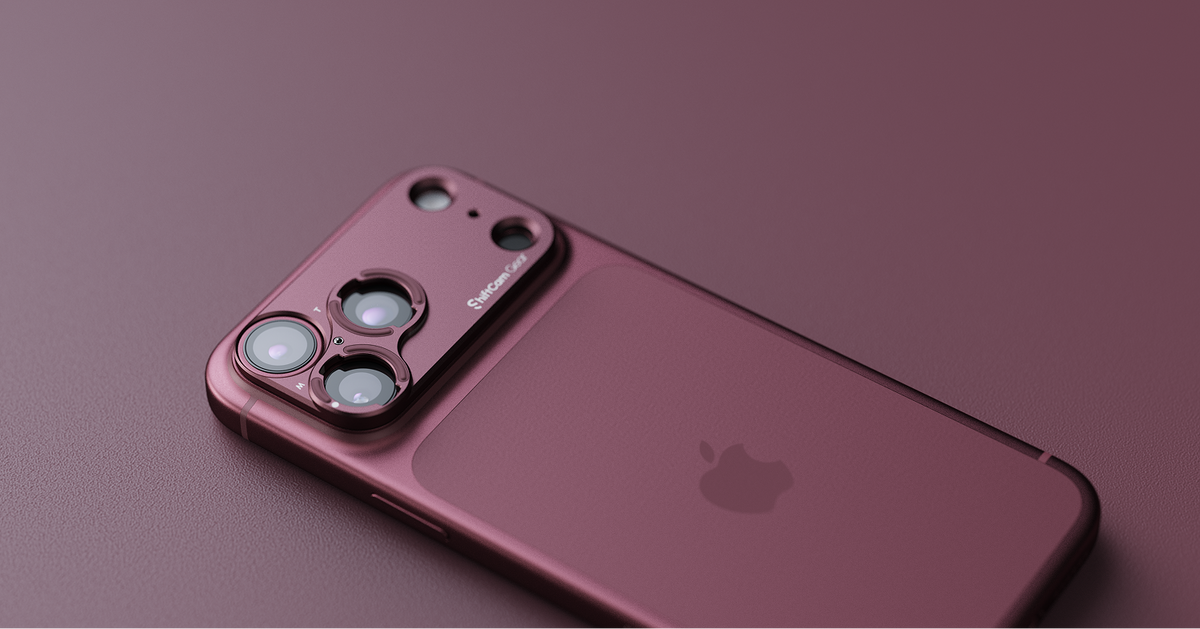
These 7 tips for mobile fireworks photography will help you capture extraordinary New Year’s Eve fireworks without needing a bulky professional camera. Whether you want to get in close with a telephoto lens, showcase the entire display with a wide-angle lens, or maintain comfort with a mobile grip, ShiftCam has the gear to make it happen.

Share:
Meet the new 240mm Zoom Mobile Lens
Mobile Photography Trends in 2026: How iPhone Photography Became a Real Camera System