

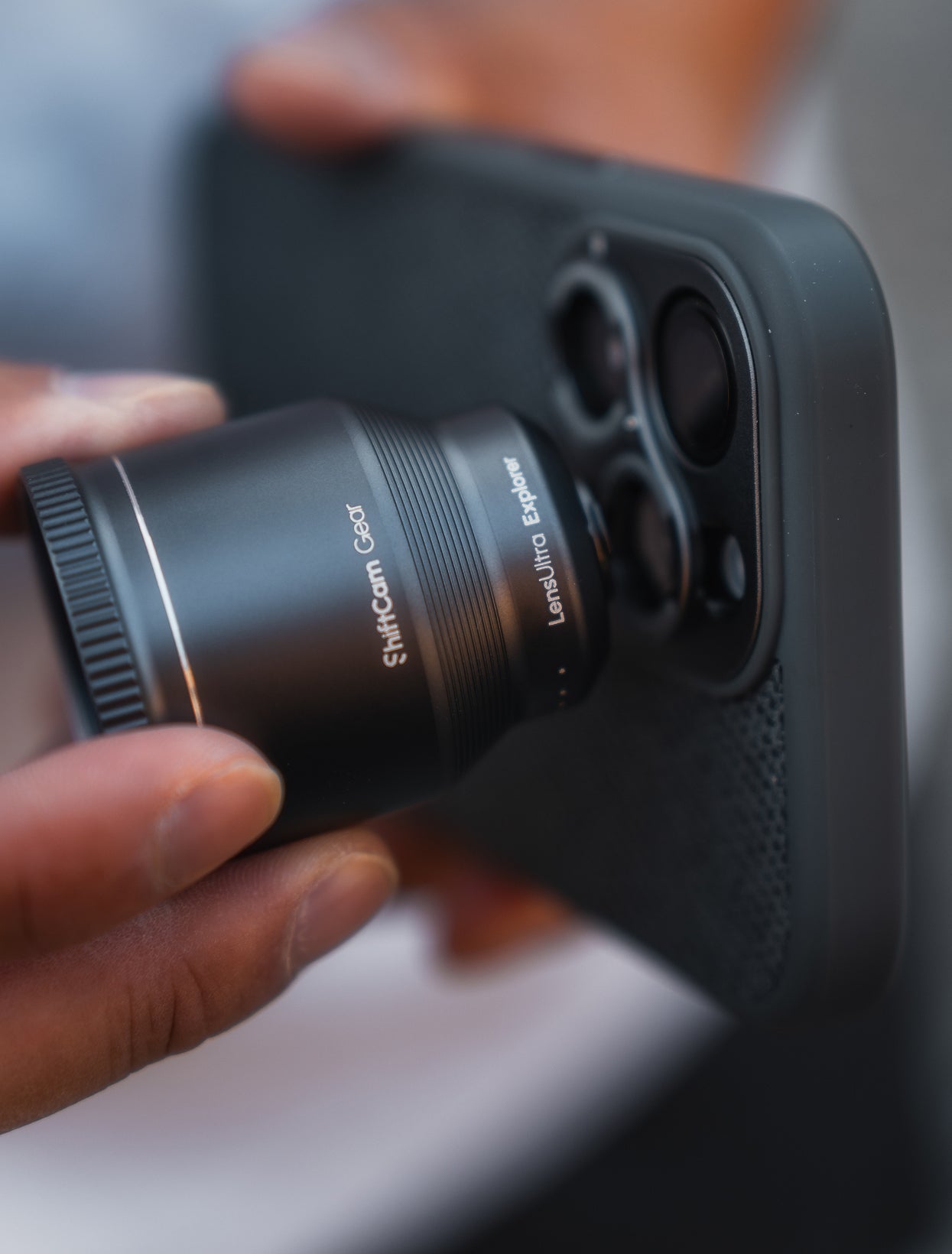

240mm Tele Add-On
Macro Converters Add-On for 240mm Tele*
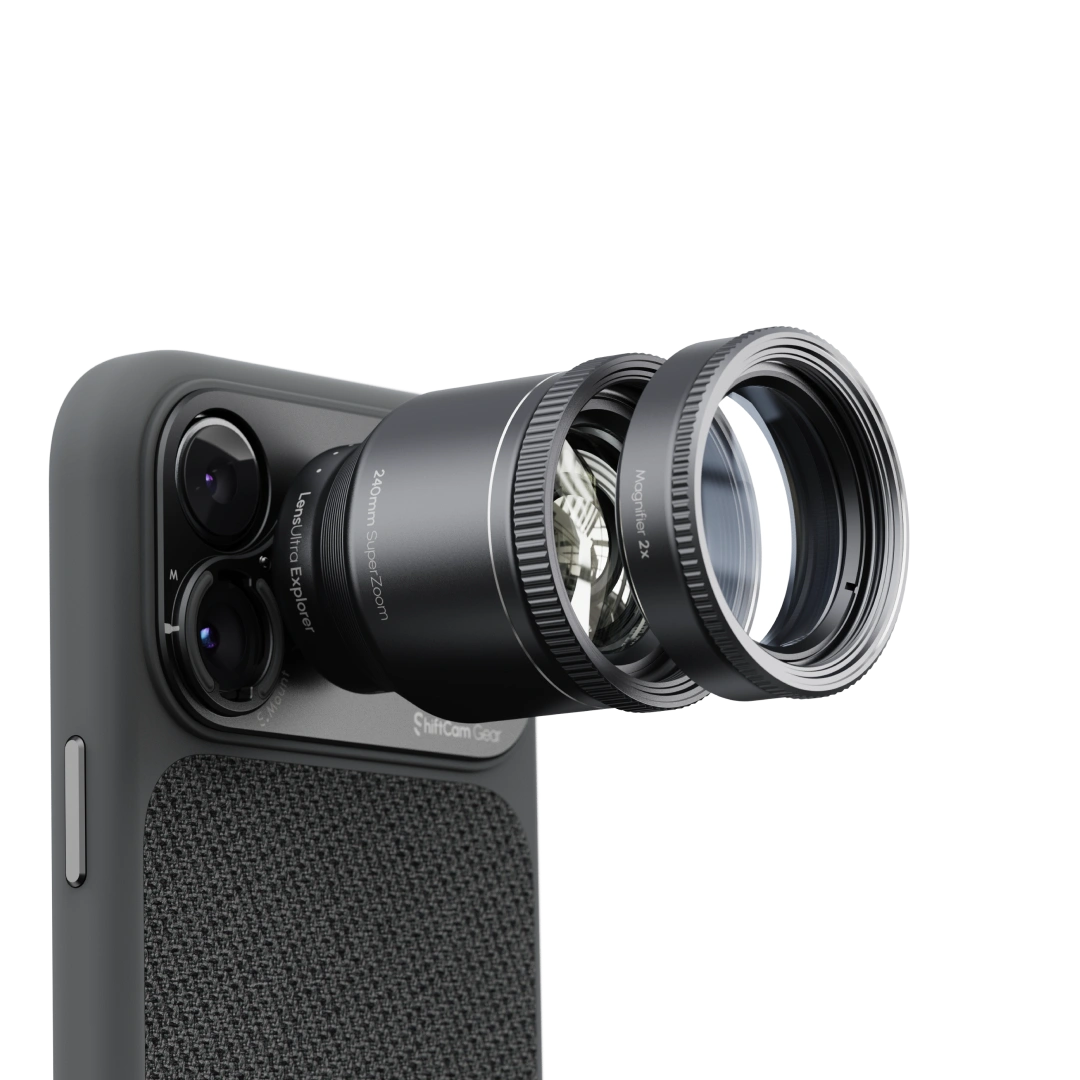
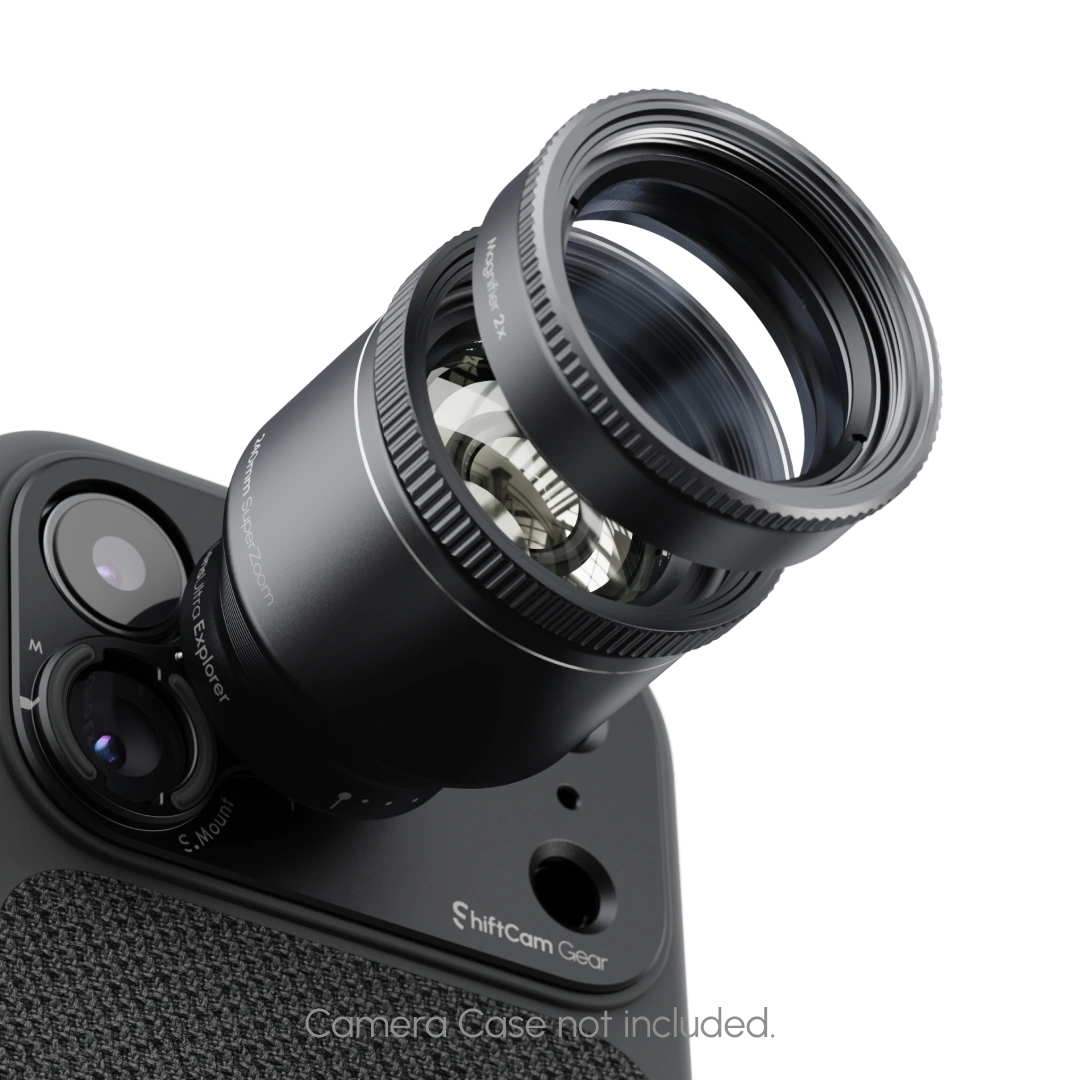
Turn your long-lens rig into a macro studio in seconds. The Macro Converters Add-On threads onto the 240mm Telephoto to deliver a modular 10–~40× macro range with comfortably more working distance than typical phone macros—so lighting is cleaner, subjects stay calm, and composition is easier.
240mm Tele Lens Required
Macro Converters Add-On requires the ShiftCam 240mm Telephoto Lens to mount. Not compatible to use on it's own.
Compatibility
What's In The Box
Popular Upgrades
Macro Converters Add-On for 240mm Tele*

Turn Tele into Macro
Stackable Macro Converters transform the 240mm into 10×–40× close-up power—no rigs, just your phone.
Modular Macro Innovation
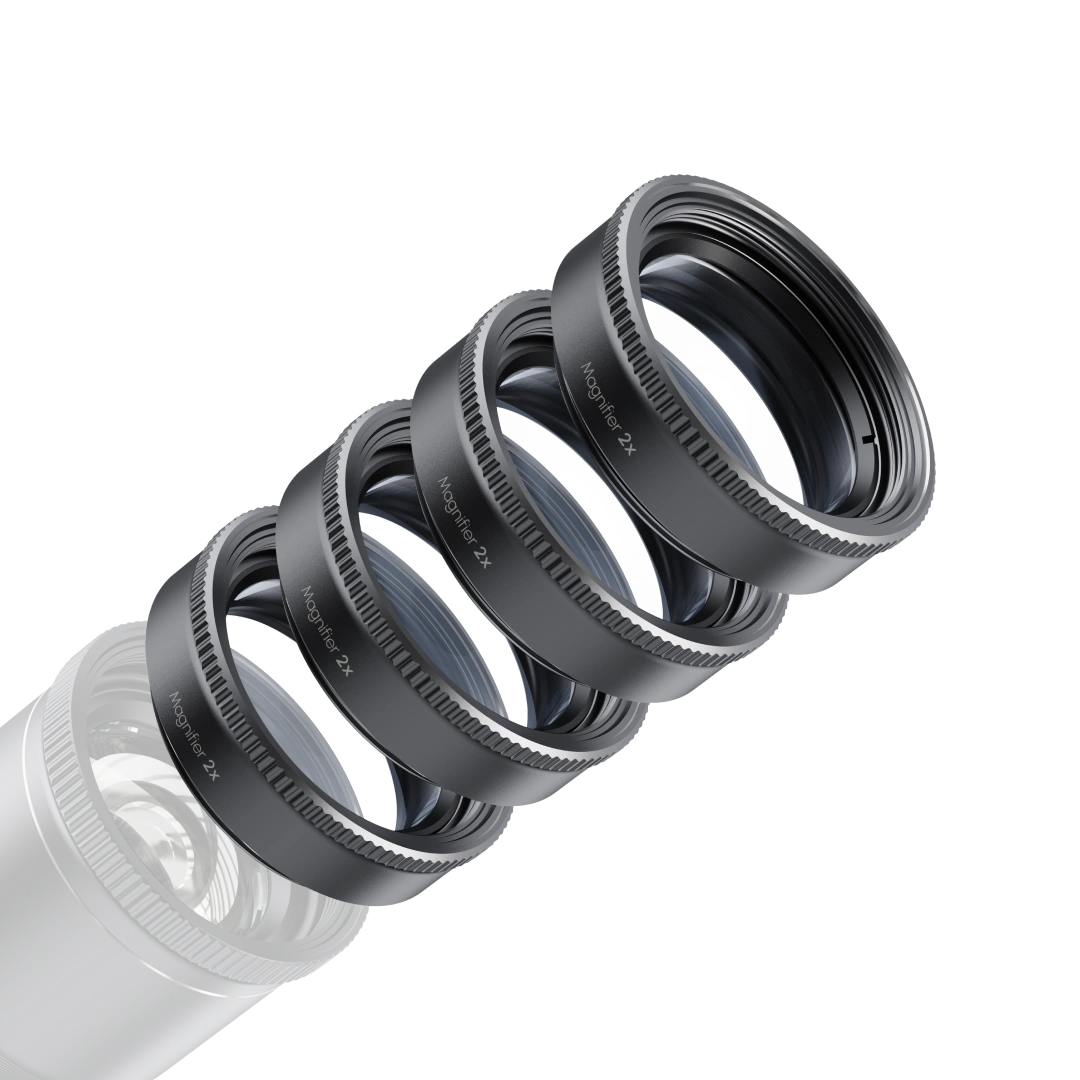
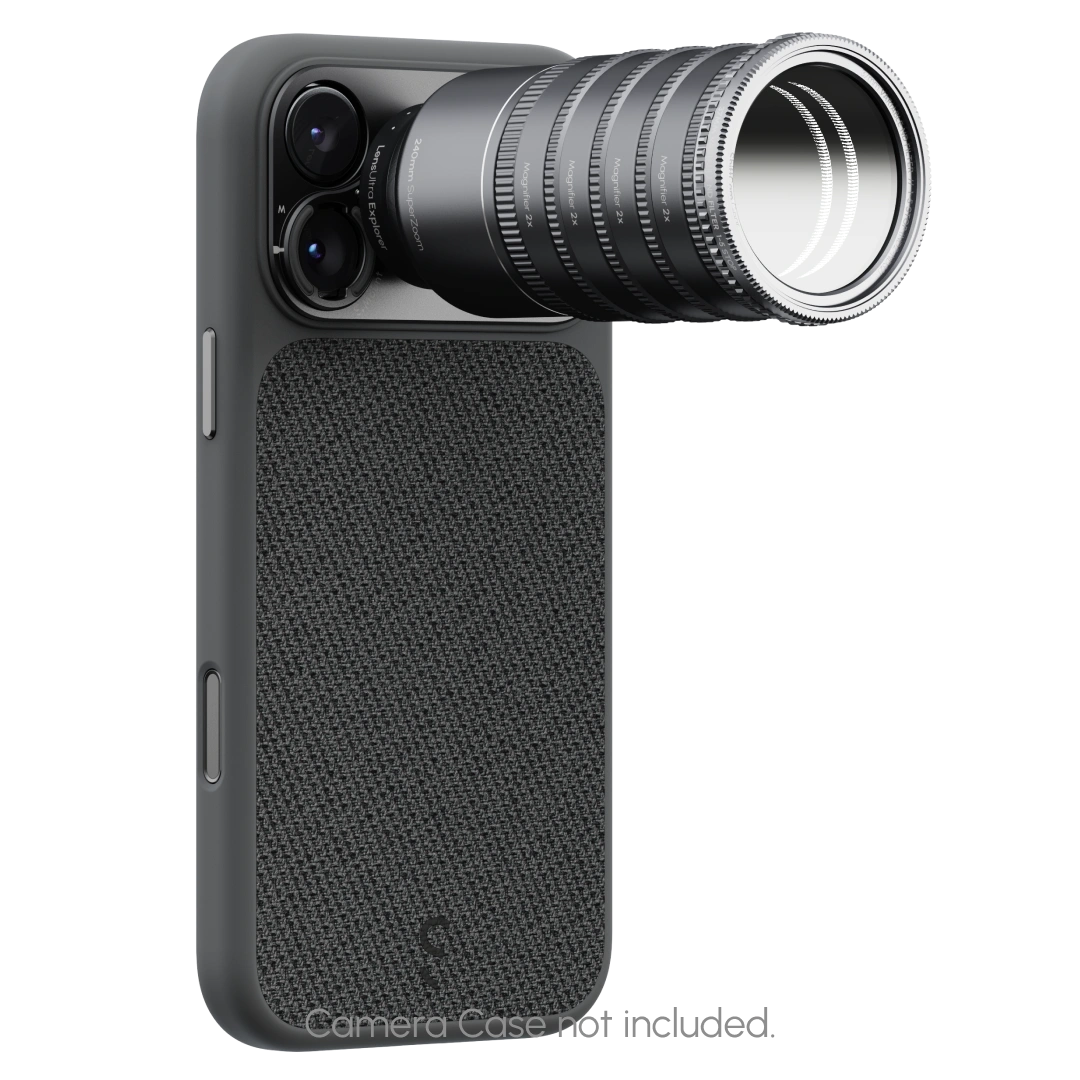
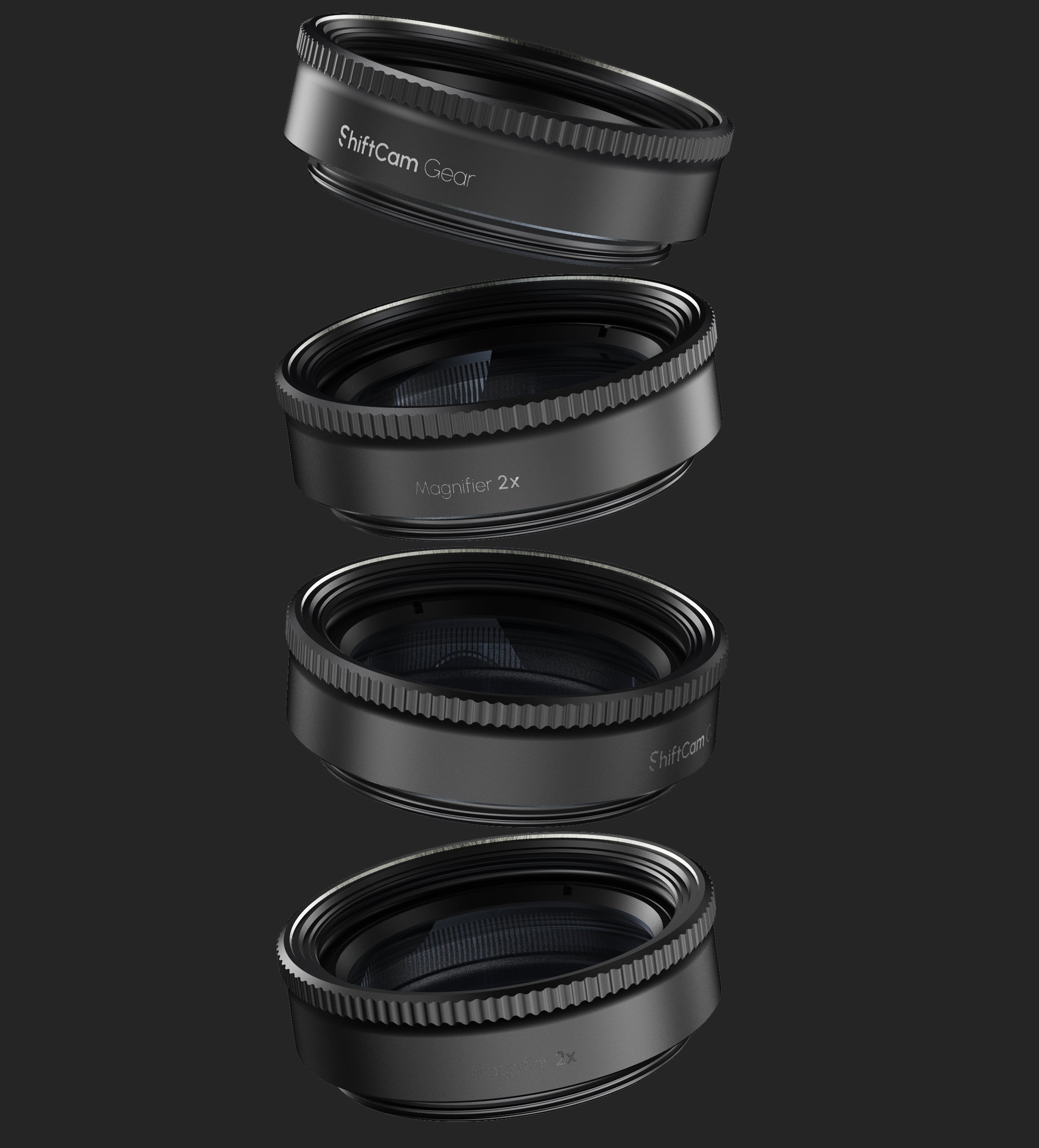
Four achromatic converters thread directly onto the 240mm LensUltra, turning it into a precision macro system. Instead of carrying bulky lenses, you simply stack converters to build magnification — from subtle textures at 10× to microscopic worlds at 40×. Clean, color-true detail without chromatic aberration, all in a pocket-sized system.
See the Invisible
Choose Your Level of Close-Up
Stack our dedicated Macro Converters onto the 240mm Tele to choose how close you go—10× through 40×—while keeping a comfortable working distance. It’s true optical magnification with telephoto compression, so you capture fine detail without crowding the subject or casting shadows.*
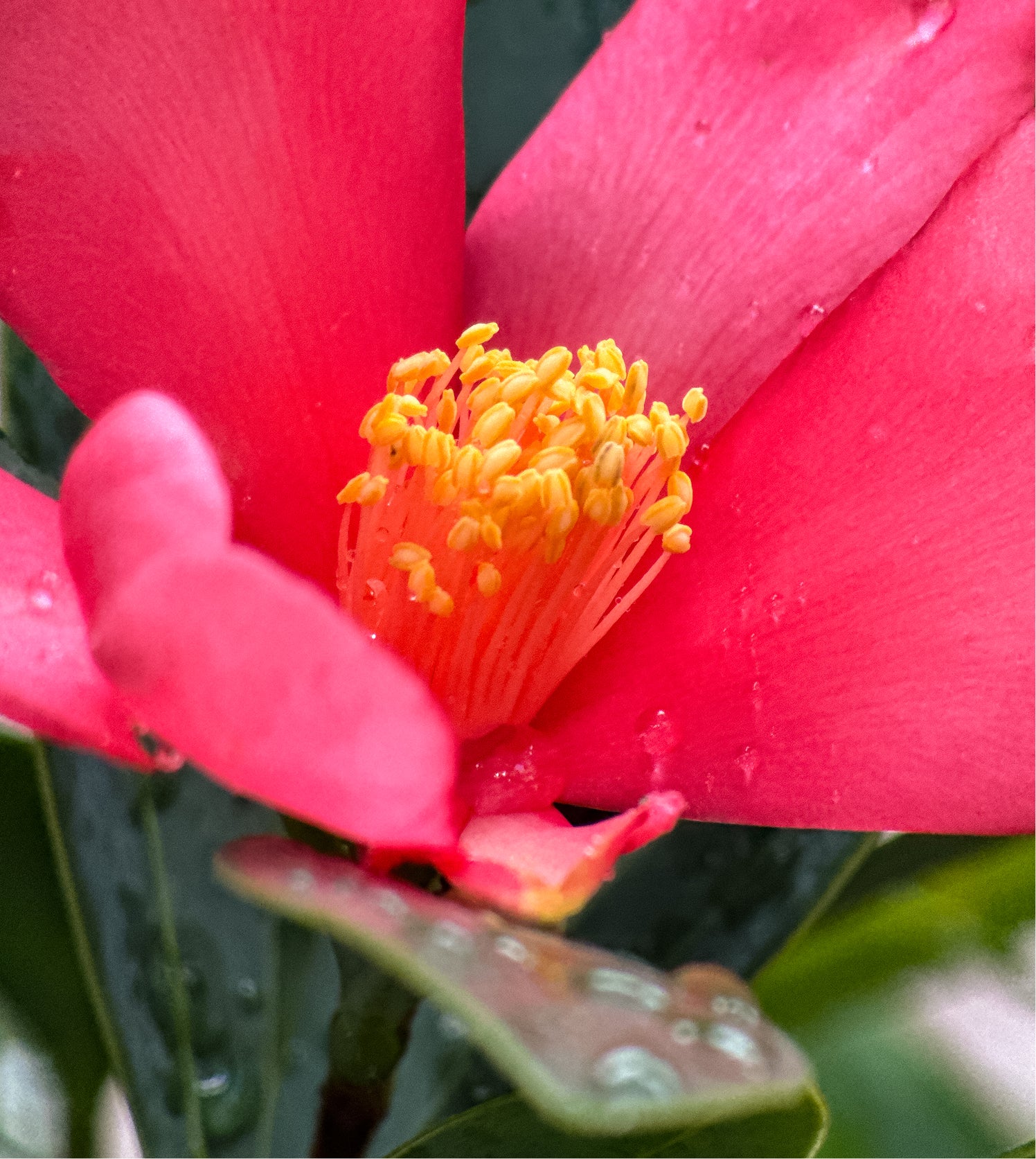
10x Magnifier
A natural close-up with crisp texture and gentle falloff—perfect for flowers, food, and product details.
Typical working distance: ~0.5m; varies by phone.

20x Magnifier
Step deeper into the micro world: pollen grains, fabrics, circuitry come alive with clean separation.
Typical working distance: ~0.25m.

30x Magnifier
Reveal patterns the eye can’t see—wing scales, leaf veins, embossed prints—with beautiful tele compression.
Typical working distance: ~0.16m; a mini-tripod or brace helps.

40x Magnifier
Near-microscopic detail for the bold: crystalline edges, filaments, minute textures rendered with clarity.
Typical working distance: 0.1m; stabilize and add light for best results.

240mm In The Field
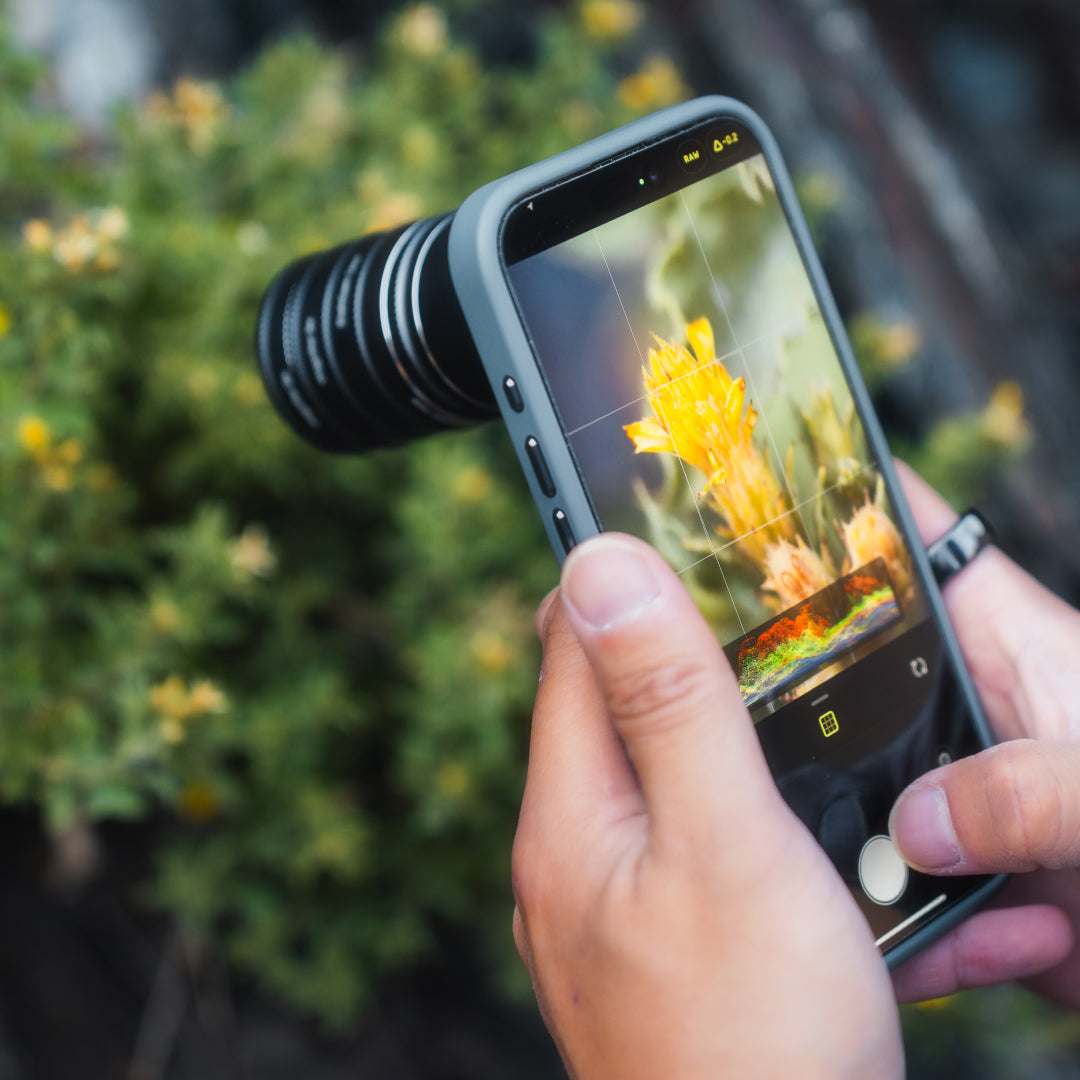
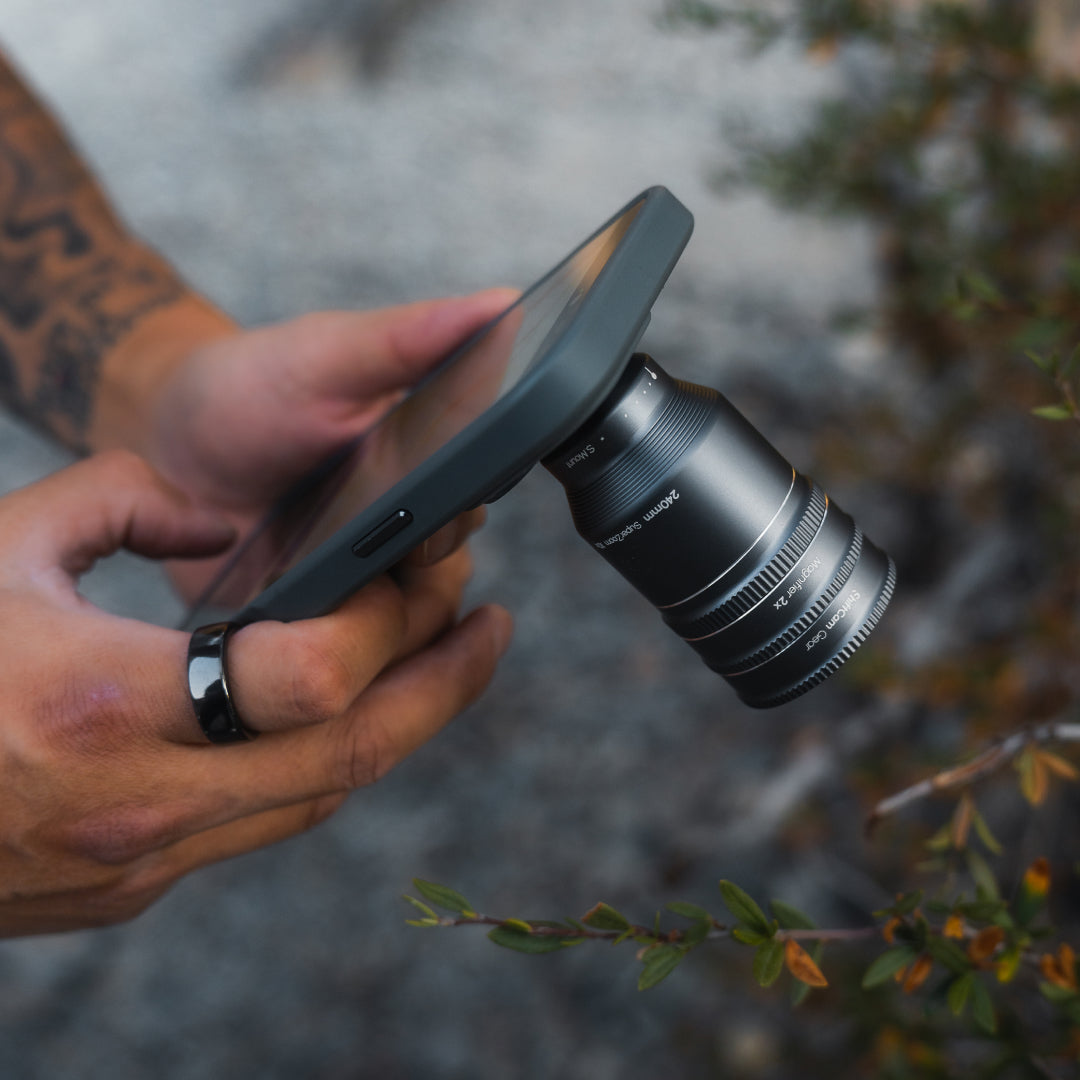
Field clips from photographers using true optical 240mm on the periscope camera.


Product Specifications
240mm Tele Compatibility
Macro Stack Working Distances
Included in the Box

4x Macro Converters for 240mm Tele

4x Macro Converter Pouches

Quick Start Guide

Warranty


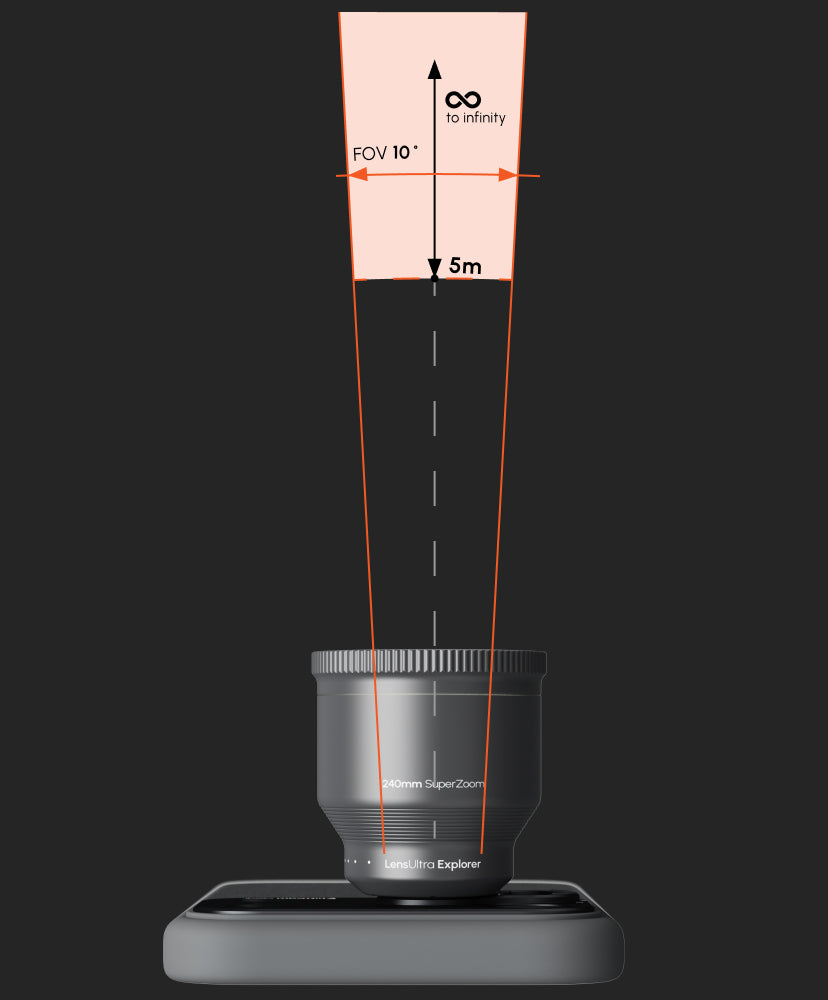
Compatible Devices
iPhone: Compatible with latest iPhone (incl. iPhone 17) models using Camera Case
Android: Compatible with flagship Samsung S25 Ultra & Google Pixel 10 Pro XL using Camera Case.
Other Phone Models: Compatible with all iPhone and Android models using Universal S.Mount.
Superior Sophistication
True image quality starts with glass—and we obsess over every element. From fluorite crystal used in key optics to matte-anodized and recycled aluminum housings, every LensUltra component is crafted with the same discipline found in professional lens systems. We don’t just design for mobile, we design for performance. When it comes to clarity, color, and control, every detail matters.


Get Started with 240mm Super Zoom Tele
FAQs
Please read our FAQs page to find out more.
What is the 240 mm lens?
A precision smartphone lens that sits over your phone’s telephoto camera to give tight framing from far away with natural background compression.
Is the 240mm Tele compatible with all smartphone models?
Yes. LensUltra 240mm Super Zoom Tele work seamlessly with a broad array of smartphones across brands and models.
We recommended phone models with Tele Camera atleast 4x (iPhone 17) and 5x (iPhone 15/16).
Lower Tele Cameras (3x and below) can still use the 240mm but might experience some vignetting.
What do I need to mount it, and how do I align it?
To mount the 240mm Tele, use an S-Mount Case (iPhone & available Android Cases) or the Universal S-Mount (other phones).
On Camera Cases:
- Locate the Telephoto lens on the case, marked T.
- Attached the 240mm Super Zoom Tele on to the mount marked T.
- Use a 3rd party camera app to activate your 5x lens.
- Now you can see and use the 240mm Super Zoom lens.
Quick steps (Universal S-Mount):
- In your camera app, switch to 5× to identify the telephoto.
- If you're stuck, you can cover the camera lens 1 by 1 to identify which is the telephoto lens.
- Place the mount over that lens (not the 1× main), tighten.
- See dark corners? Nudge the mount slightly, re-tighten, and check again.
Which camera apps should I use (and why not just the built-in app)?
Some stock apps auto-switch cameras. Use an app that lets you lock Tele/5×:
- Blackmagic Camera (iOS/Android): choose Tele/5× before recording.
- ProCamera / ProCam (iOS): select Tele and keep it locked. (Alternatives: Halide, Lightroom camera on iOS.)
Tip for iPhone: enable Macro Control in Settings so you can turn macro off when the icon appears at close range.
Do I need a tripod?
Handheld is possible, but at 240 mm small movements are magnified. For sharpest results, use a tripod/monopod or a firm grip like ProGrip.
How do the Macro Adapters work (and can I stack them)?
Screw a Macro Adapter on top of the 240 mm lens to turn it into a long-range macro. Working distances: 0.5m, 0.25m 0.16m & 0.1m (closer = higher magnification).
You can stack—start with the longer distance, then add closer ones, checking the preview for a clean image. (Adapters are designed to be used with the 240 mm lens.)
What is the thread size for Filters & Macro Add-Ons?
The screw thread size for 240mm add-ons such as Filters and Macro are m37.